Screenshots

PureFusionIPTV Product Gallery

Full screenshot library grouped by experience type. Android TV captures show the big-screen UX, while Phone Companion captures show companion-only workflows.

Beta-30 (Build 84) is prepared, not yet available. The gallery is preserved from existing captures; read the next beta's notes.

Android TV

Android TV Interface Screenshots (15)

Playback controls, Multi-View, playlist setup, TV Guide data, recording, and personalization from existing Android TV captures. These are not Beta-30 acceptance captures. Live channel content is blurred because PureFusionIPTV does not provide channels.
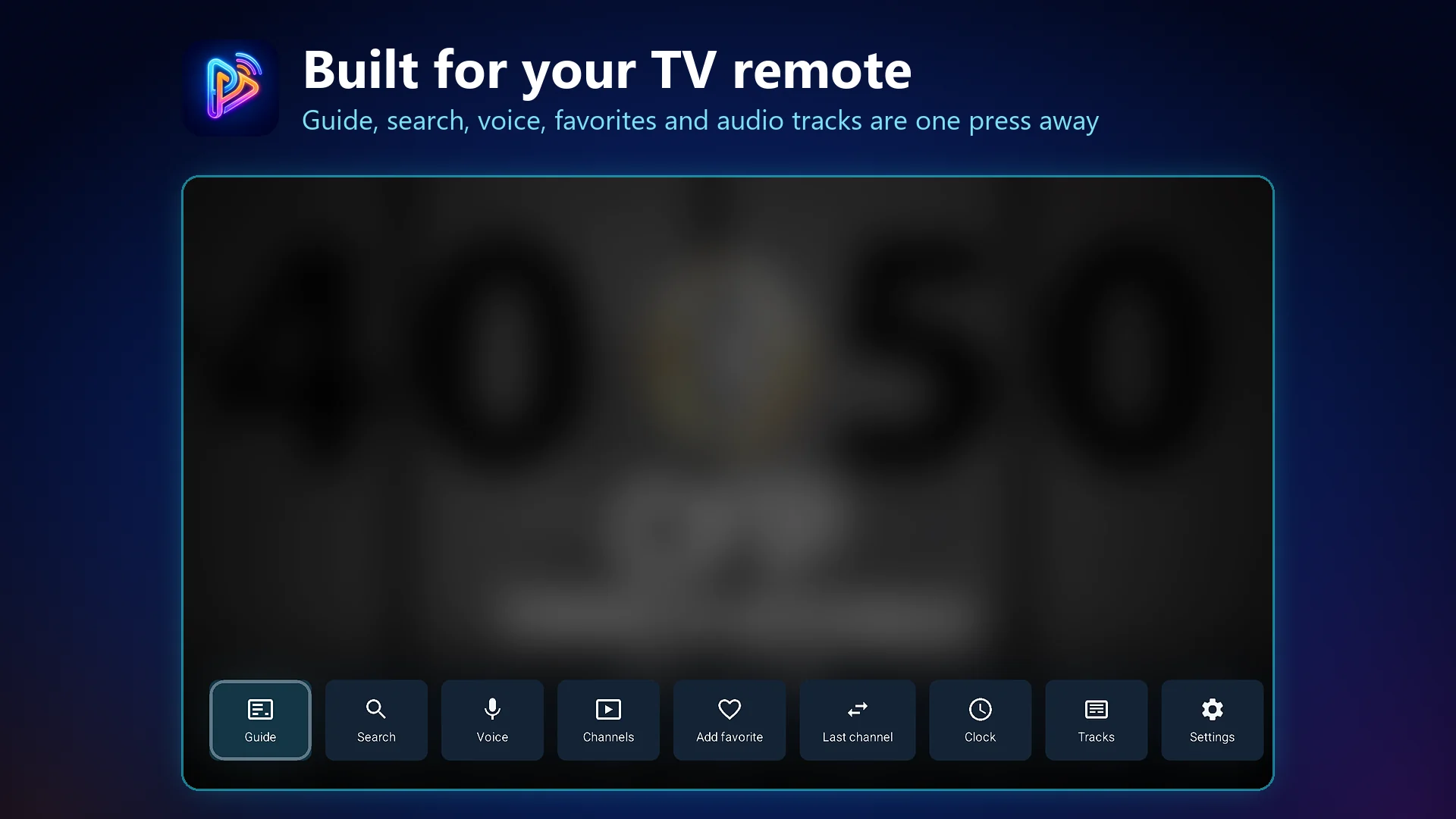
PureFusionIPTV on Android TV: Built for your TV remote. Guide, search, voice, favorites and audio tracks are one press away
Built for your TV remote
Guide, search, voice, favorites and audio tracks are one press away
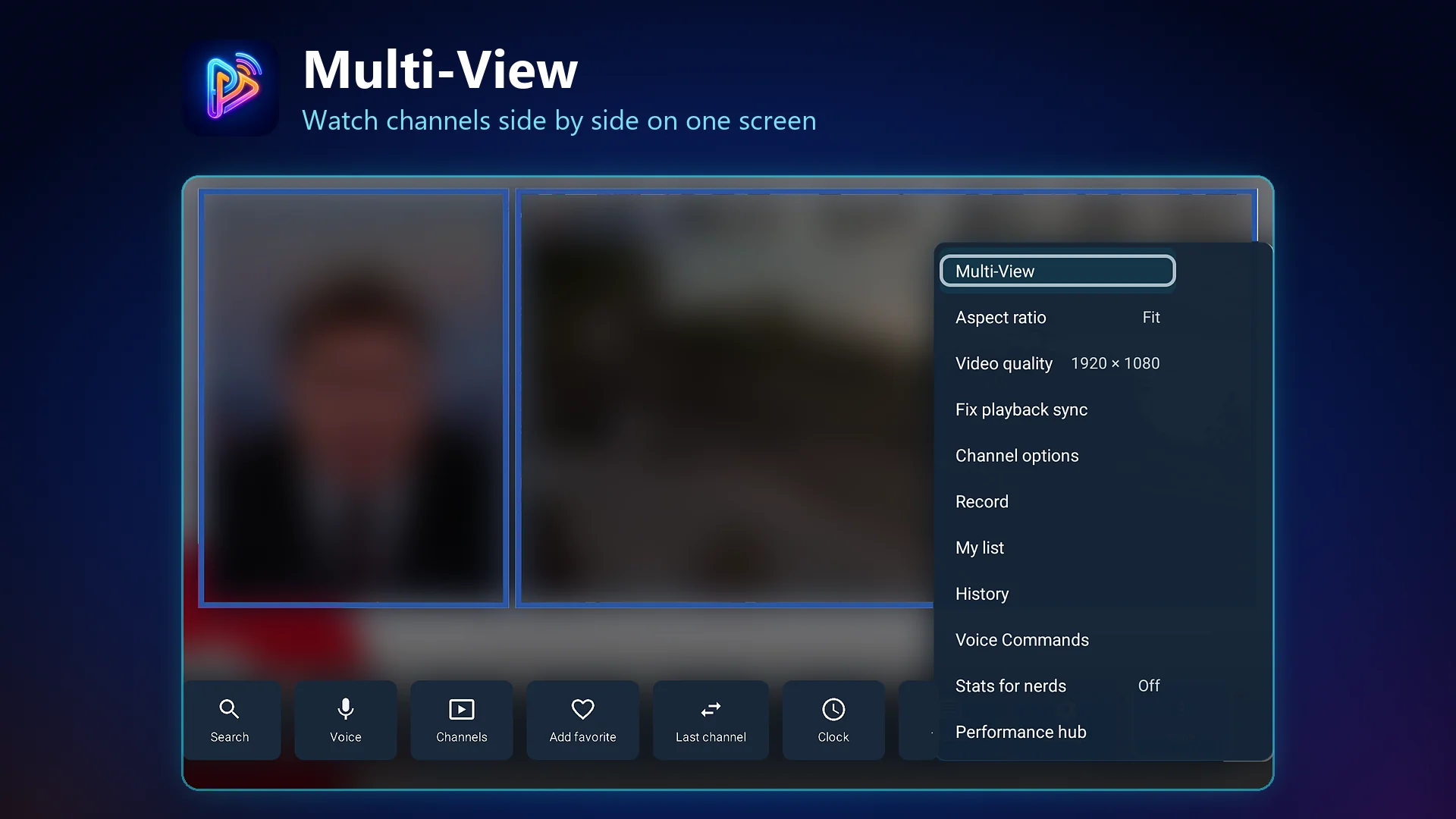
PureFusionIPTV on Android TV: Multi-View. Watch channels side by side on one screen
Multi-View
Watch channels side by side on one screen
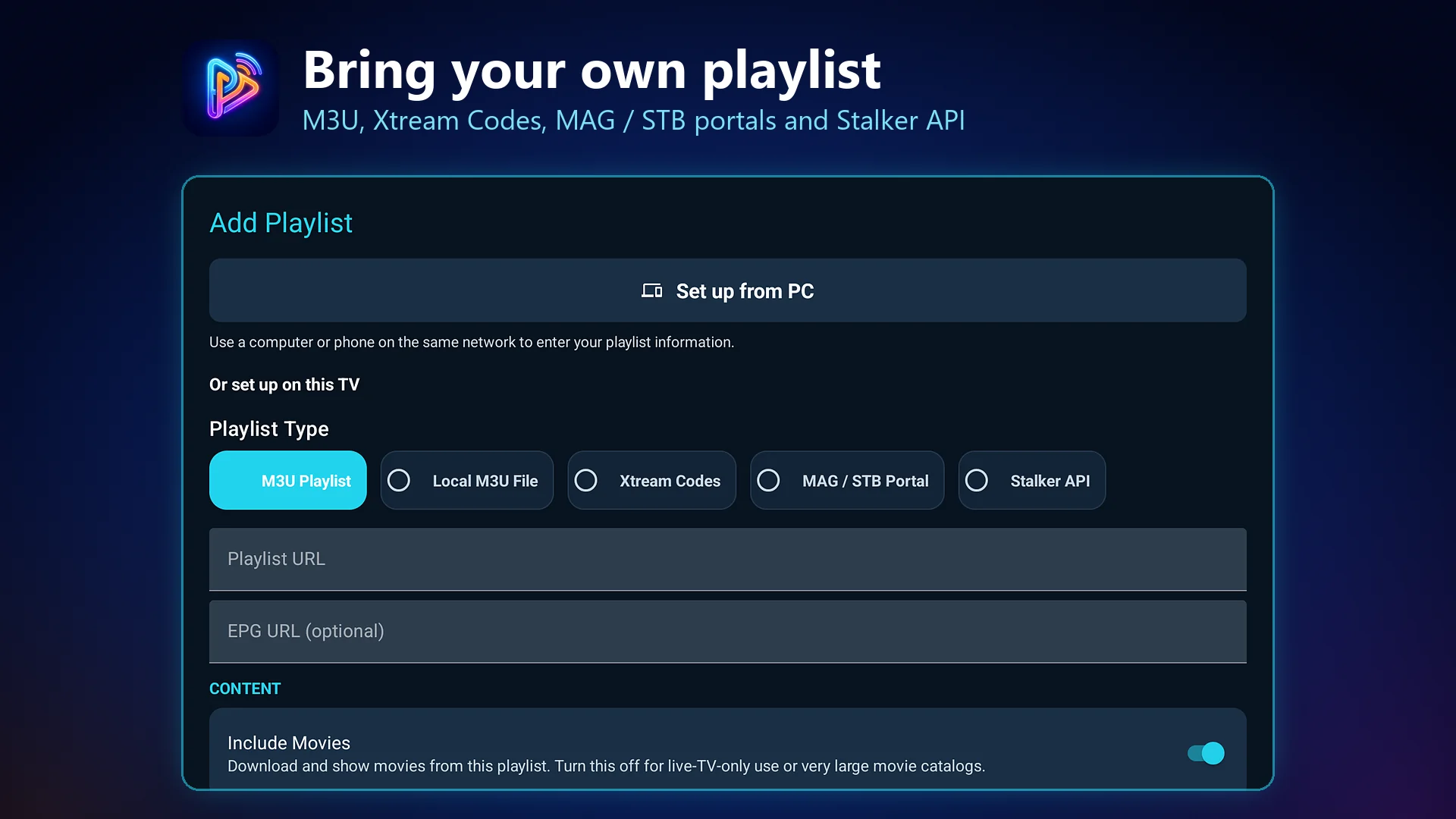
PureFusionIPTV on Android TV: Bring your own playlist. M3U, Xtream Codes, MAG / STB portals and Stalker API
Bring your own playlist
M3U, Xtream Codes, MAG / STB portals and Stalker API
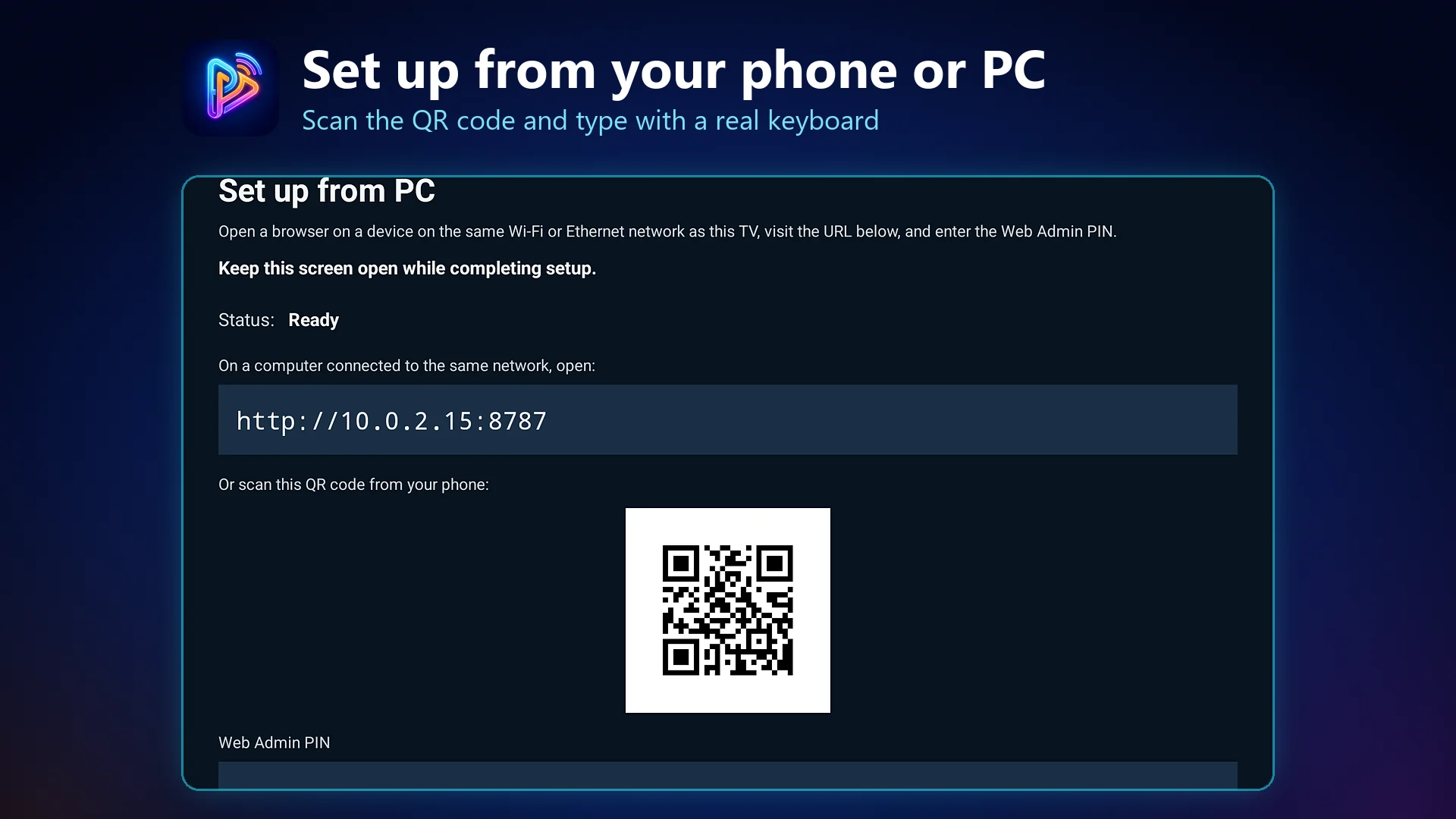
PureFusionIPTV on Android TV: Set up from your phone or PC. Scan the QR code and type with a real keyboard
Set up from your phone or PC
Scan the QR code and type with a real keyboard
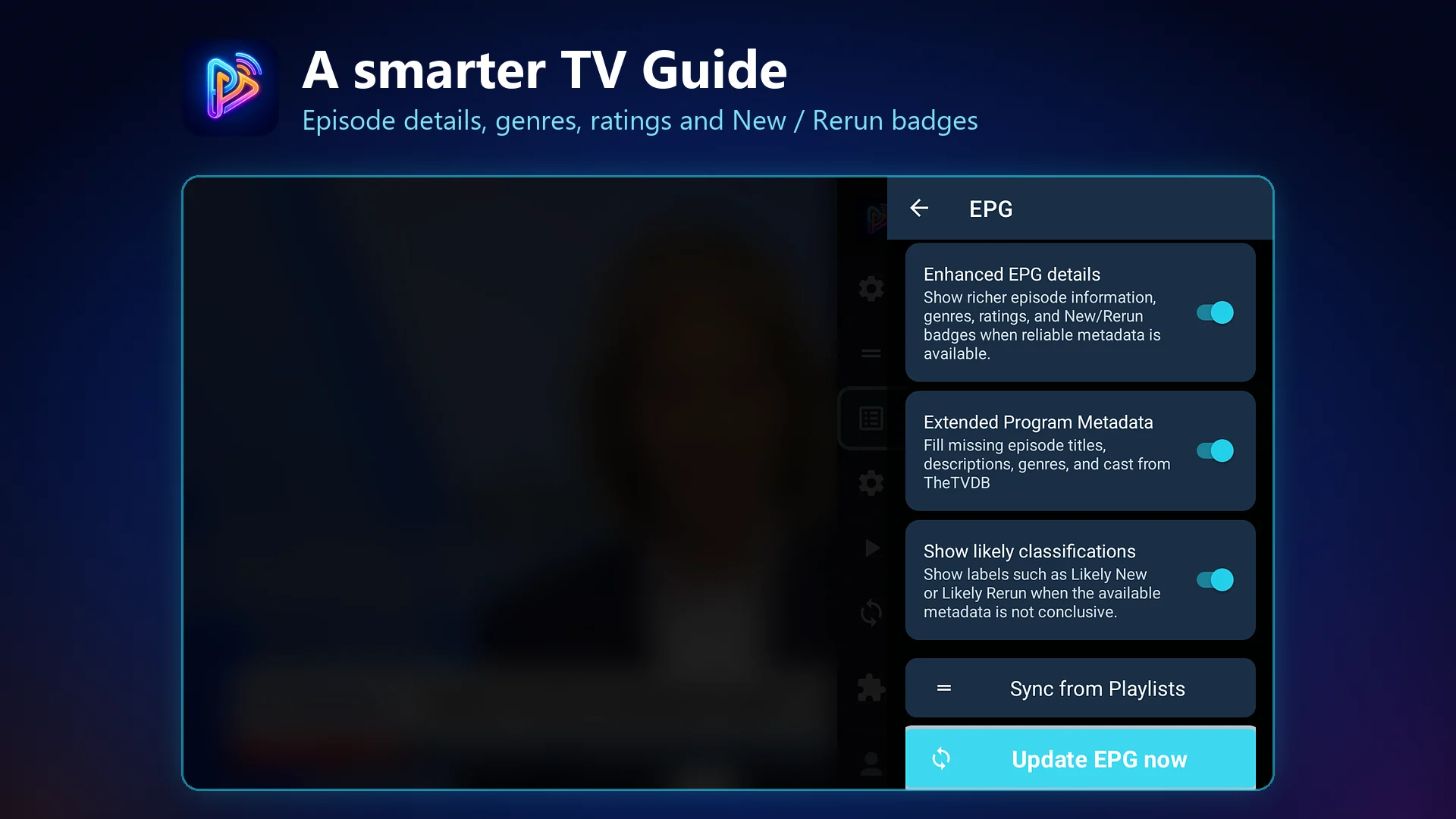
PureFusionIPTV on Android TV: A smarter TV Guide. Episode details, genres, ratings and New / Rerun badges
A smarter TV Guide
Episode details, genres, ratings and New / Rerun badges
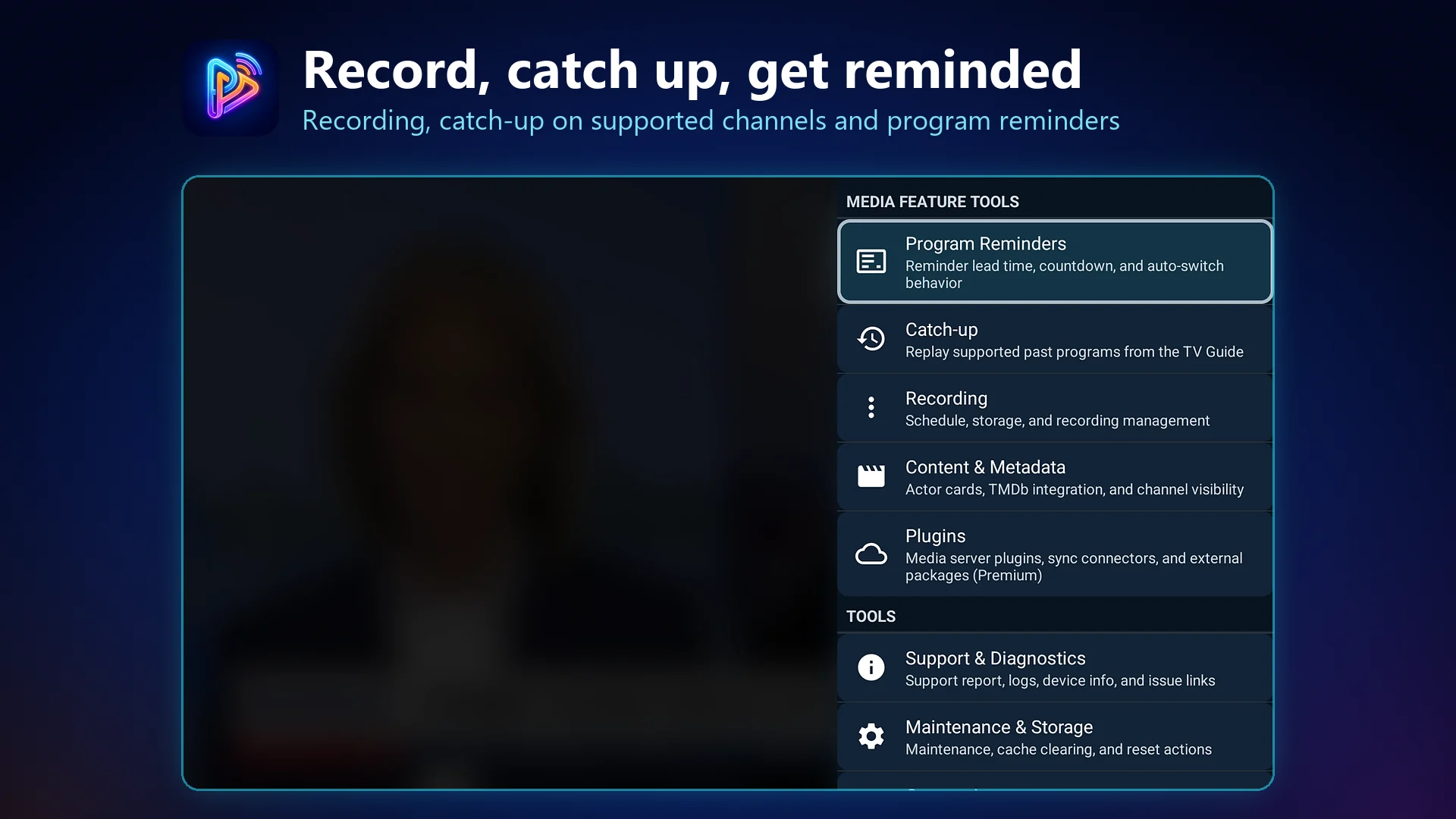
PureFusionIPTV on Android TV: Record, catch up, get reminded. Recording, catch-up on supported channels and program reminders
Record, catch up, get reminded
Recording, catch-up on supported channels and program reminders
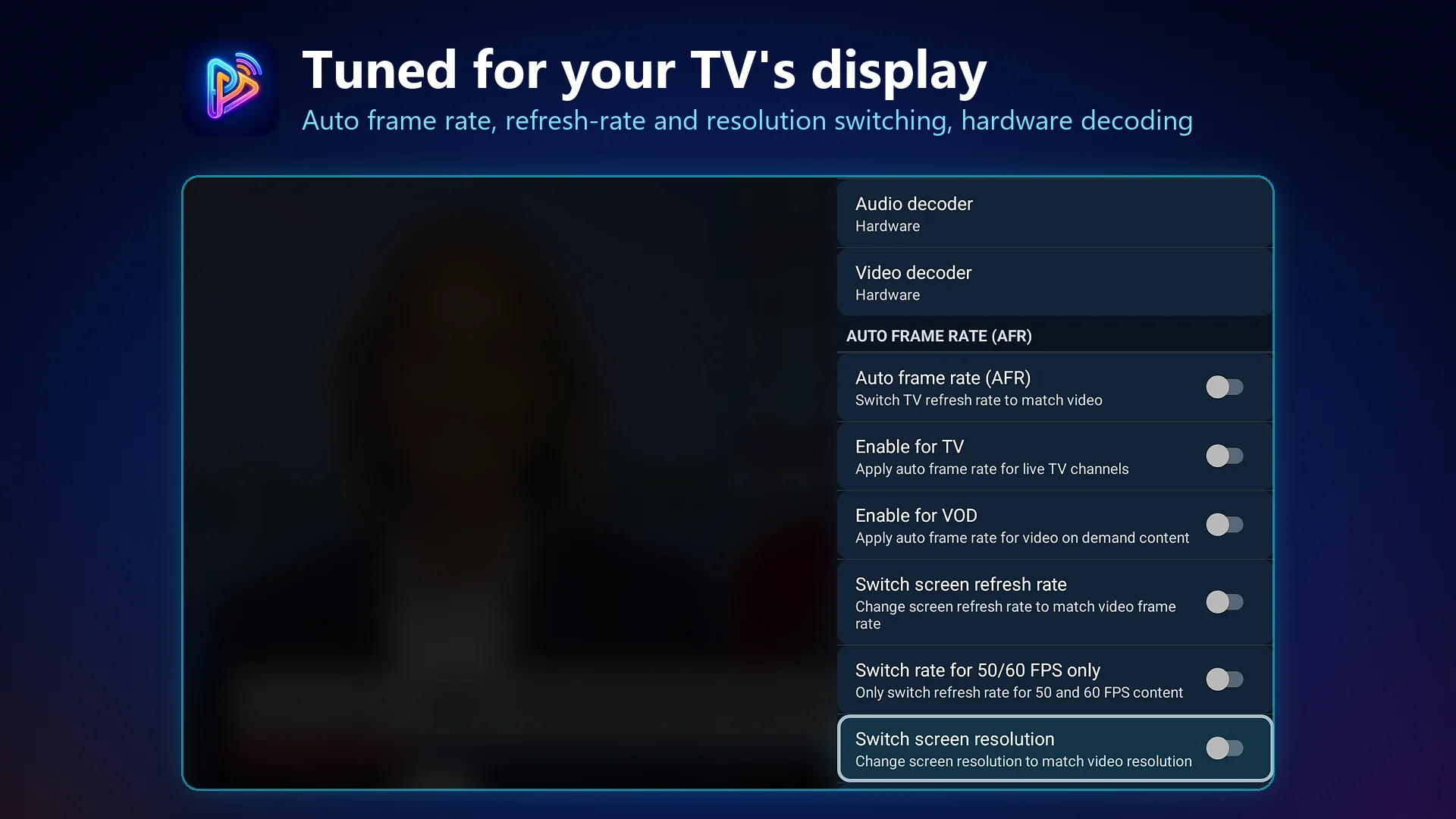
PureFusionIPTV on Android TV: Tuned for your TV's display. Auto frame rate, refresh-rate and resolution switching, hardware decoding
Tuned for your TV's display
Auto frame rate, refresh-rate and resolution switching, hardware decoding
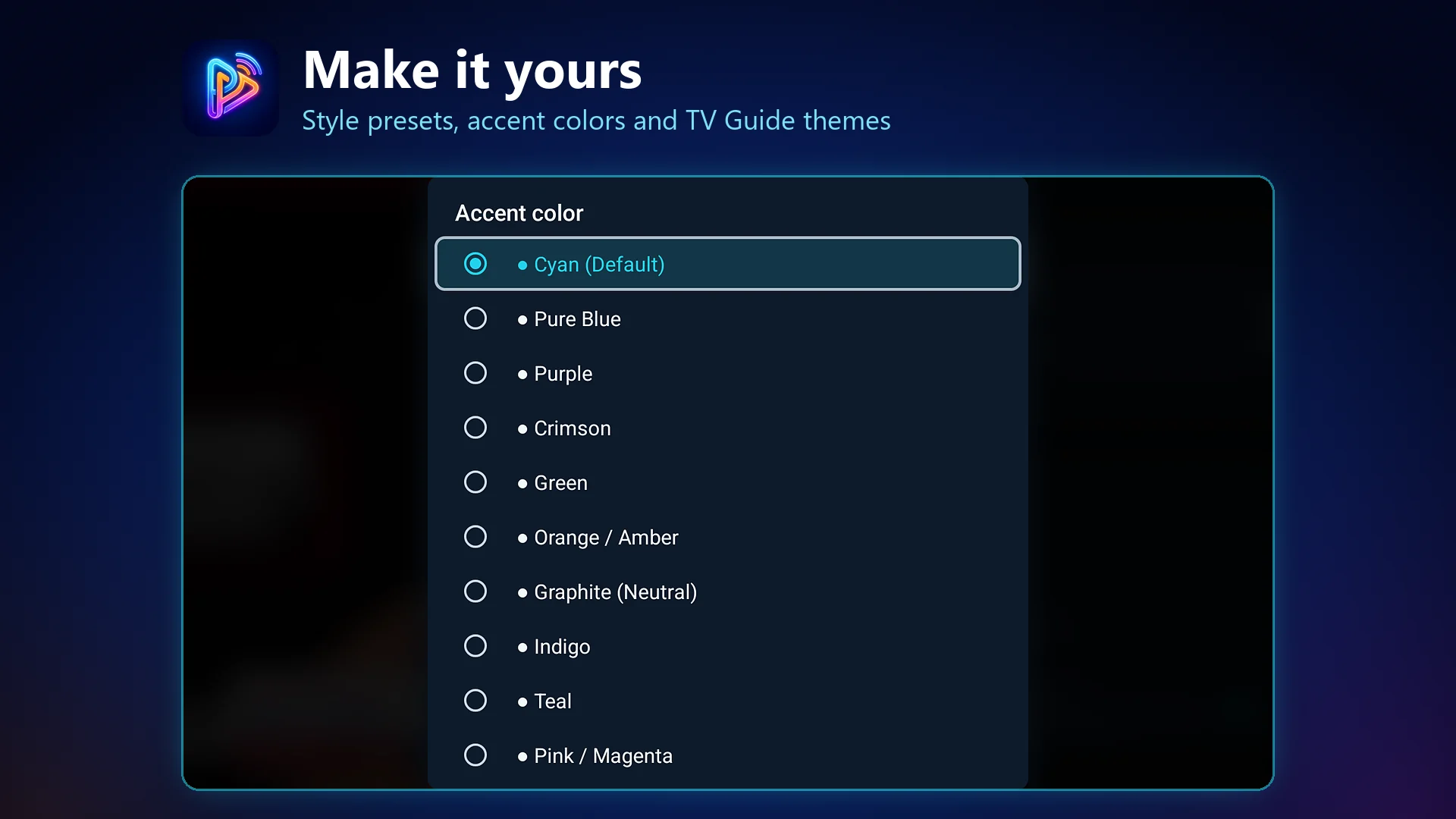
PureFusionIPTV on Android TV: Make it yours. Style presets, accent colors and TV Guide themes
Make it yours
Style presets, accent colors and TV Guide themes
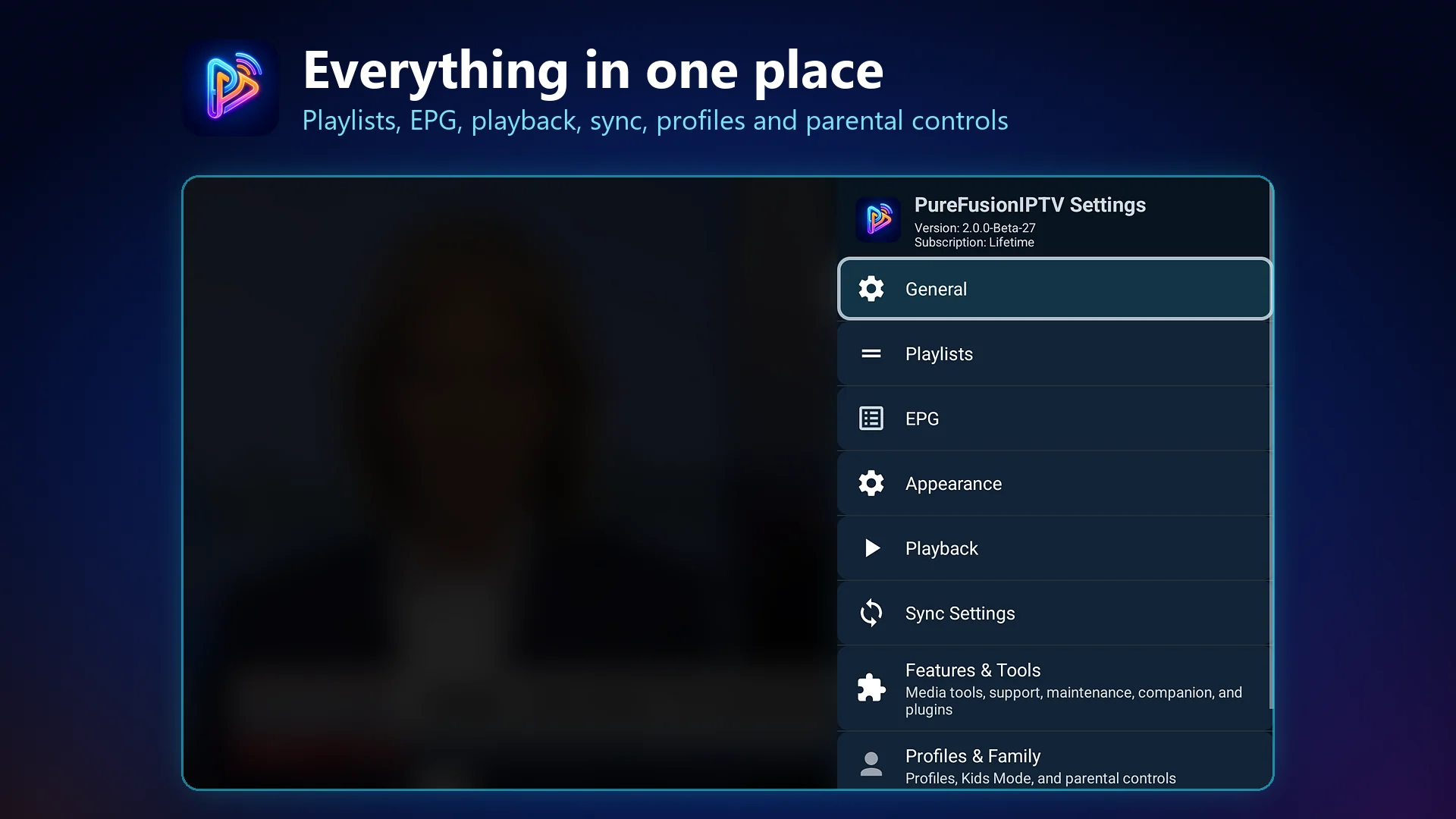
PureFusionIPTV on Android TV: Everything in one place. Playlists, EPG, playback, sync, profiles and parental controls
Everything in one place
Playlists, EPG, playback, sync, profiles and parental controls
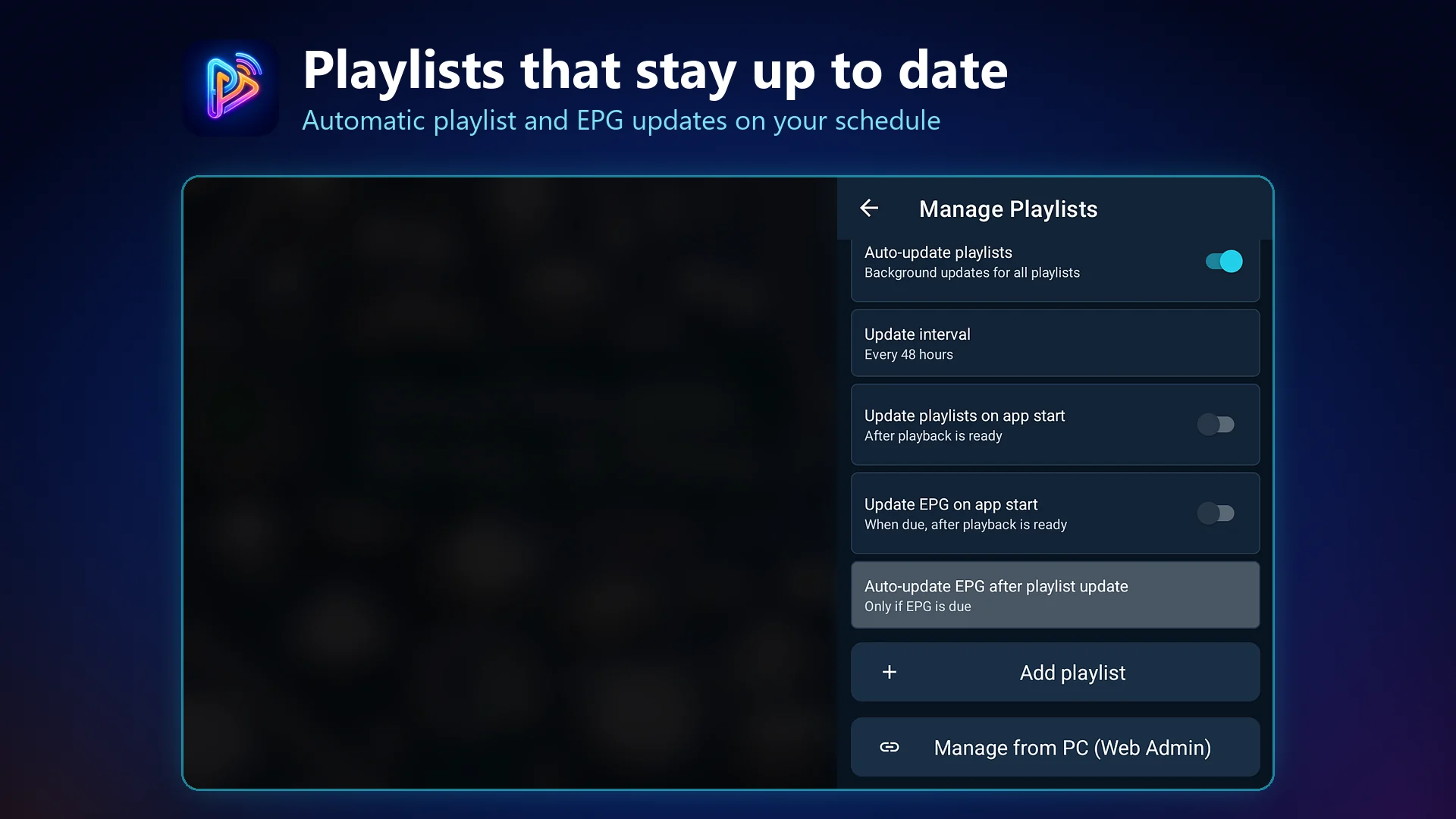
PureFusionIPTV on Android TV: Playlists that stay up to date. Automatic playlist and EPG updates on your schedule
Playlists that stay up to date
Automatic playlist and EPG updates on your schedule
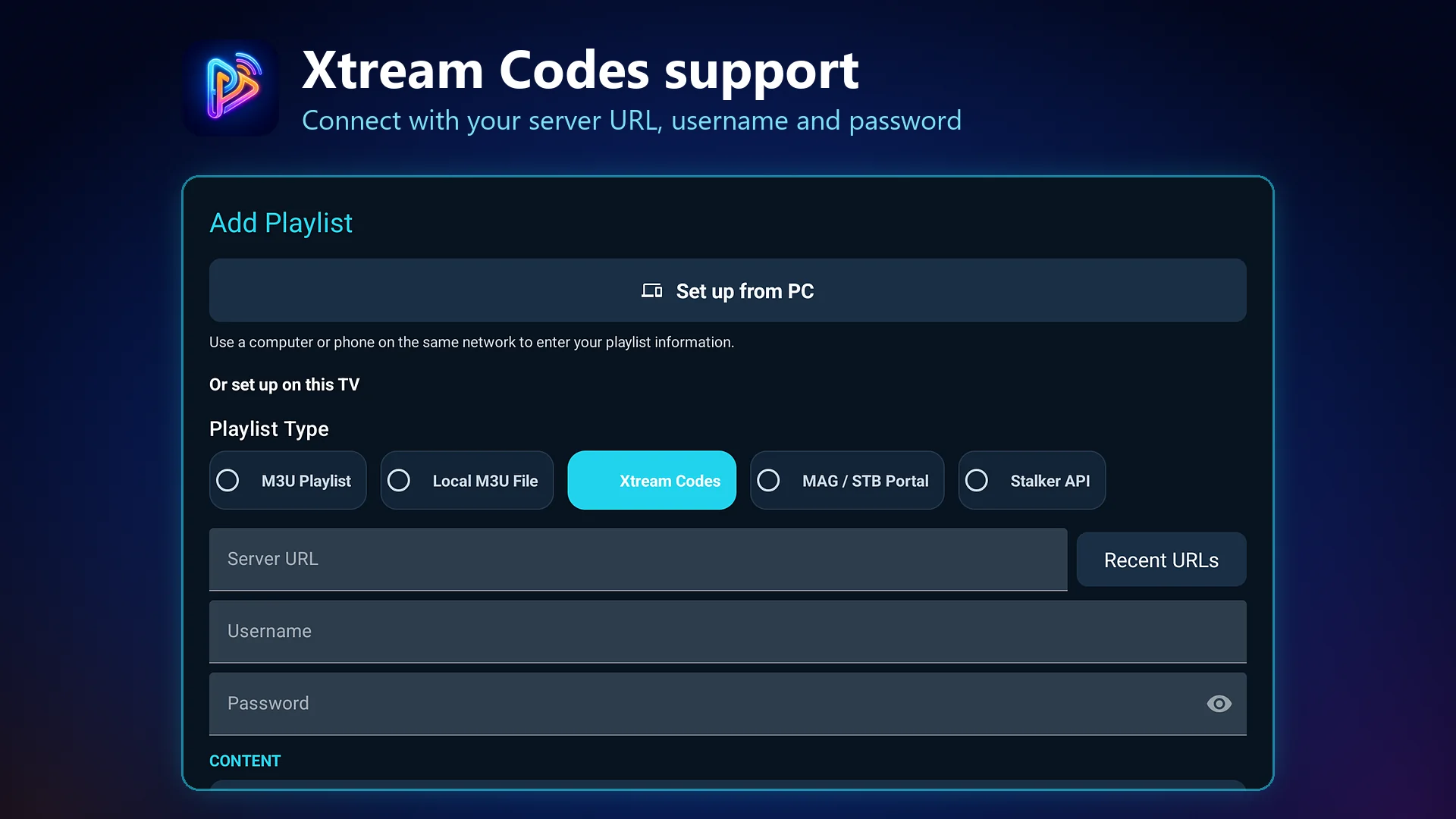
PureFusionIPTV on Android TV: Xtream Codes support. Connect with your server URL, username and password
Xtream Codes support
Connect with your server URL, username and password
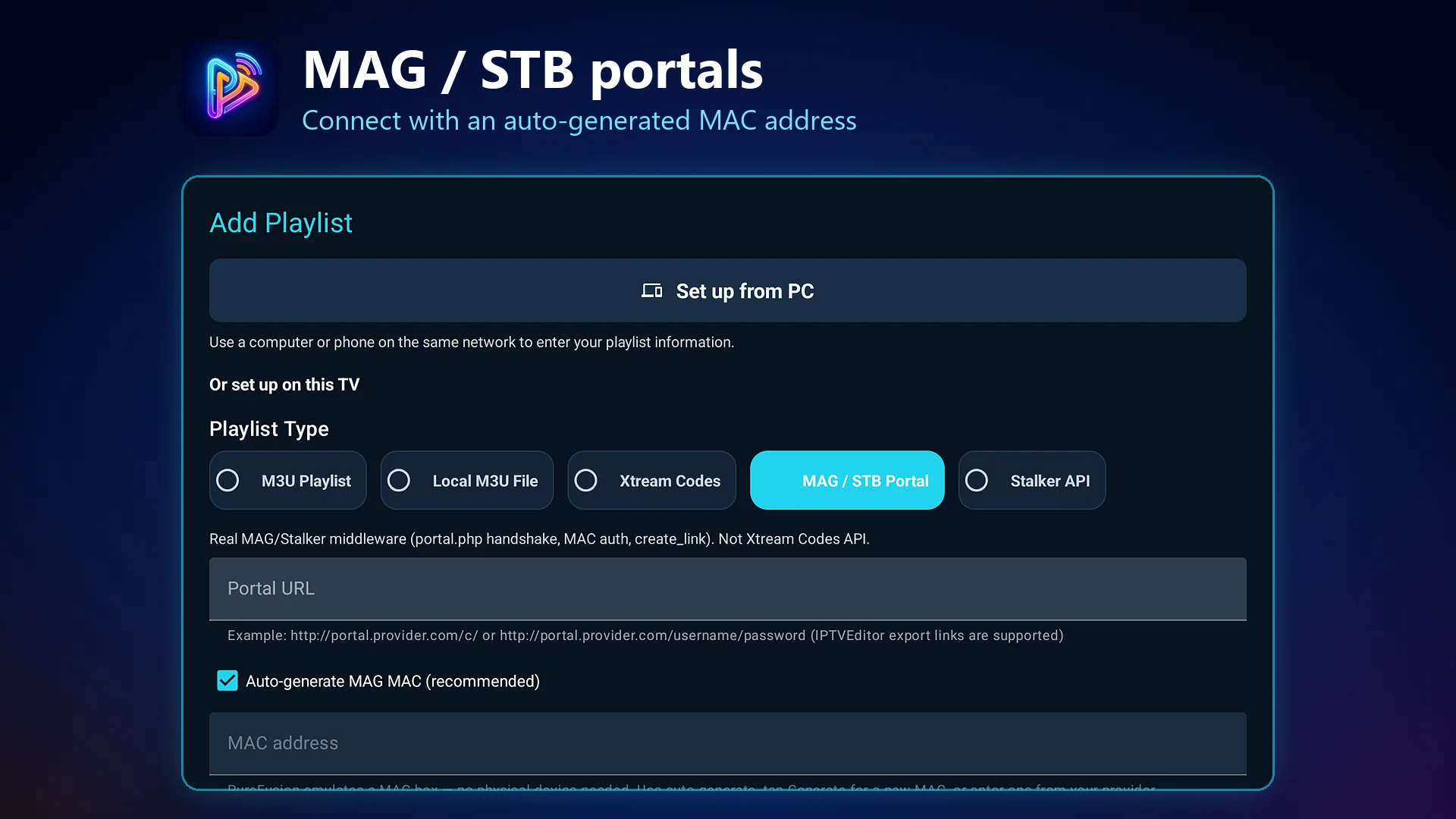
PureFusionIPTV on Android TV: MAG / STB portals. Connect with an auto-generated MAC address
MAG / STB portals
Connect with an auto-generated MAC address
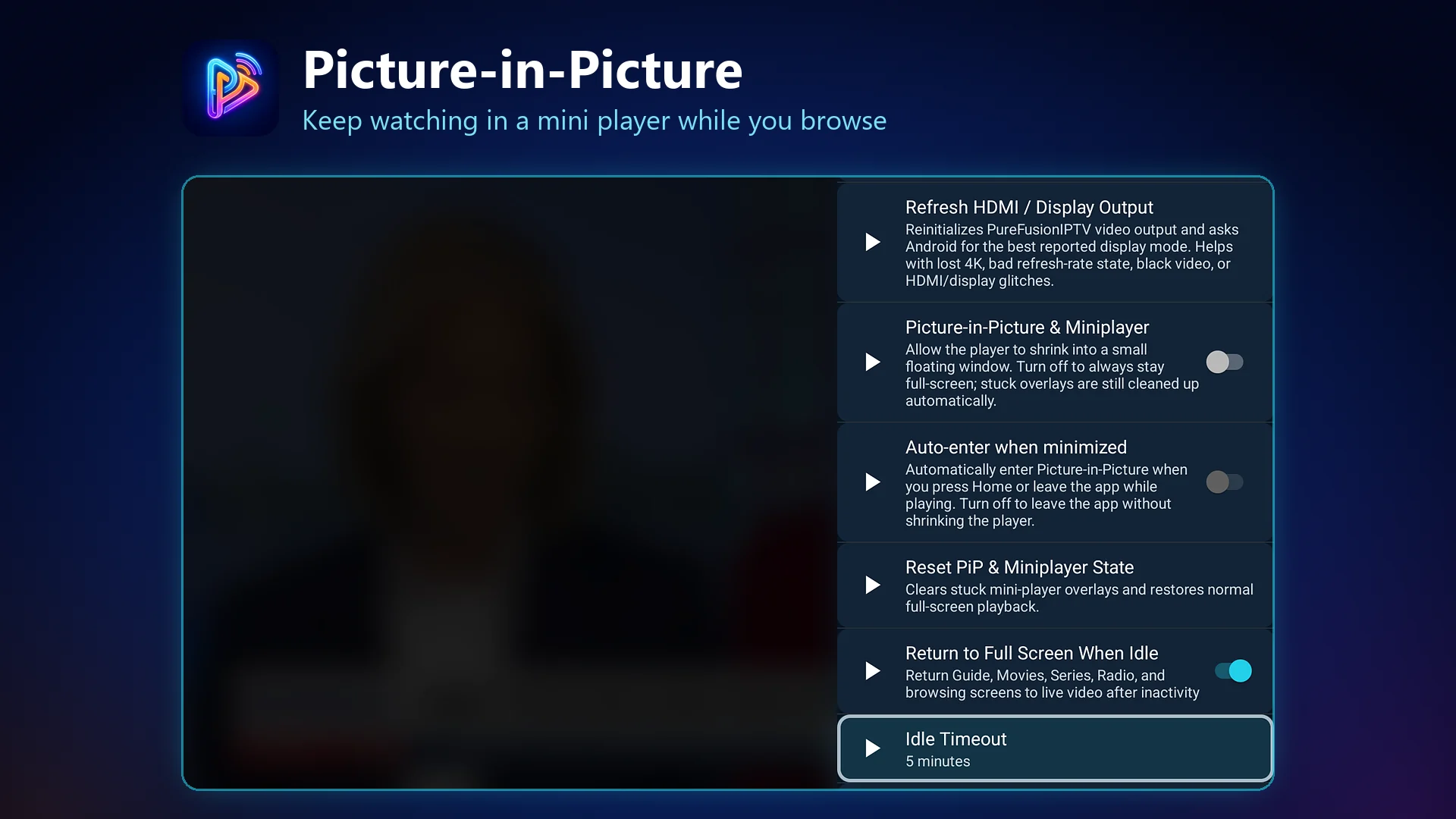
PureFusionIPTV on Android TV: Picture-in-Picture. Keep watching in a mini player while you browse
Picture-in-Picture
Keep watching in a mini player while you browse
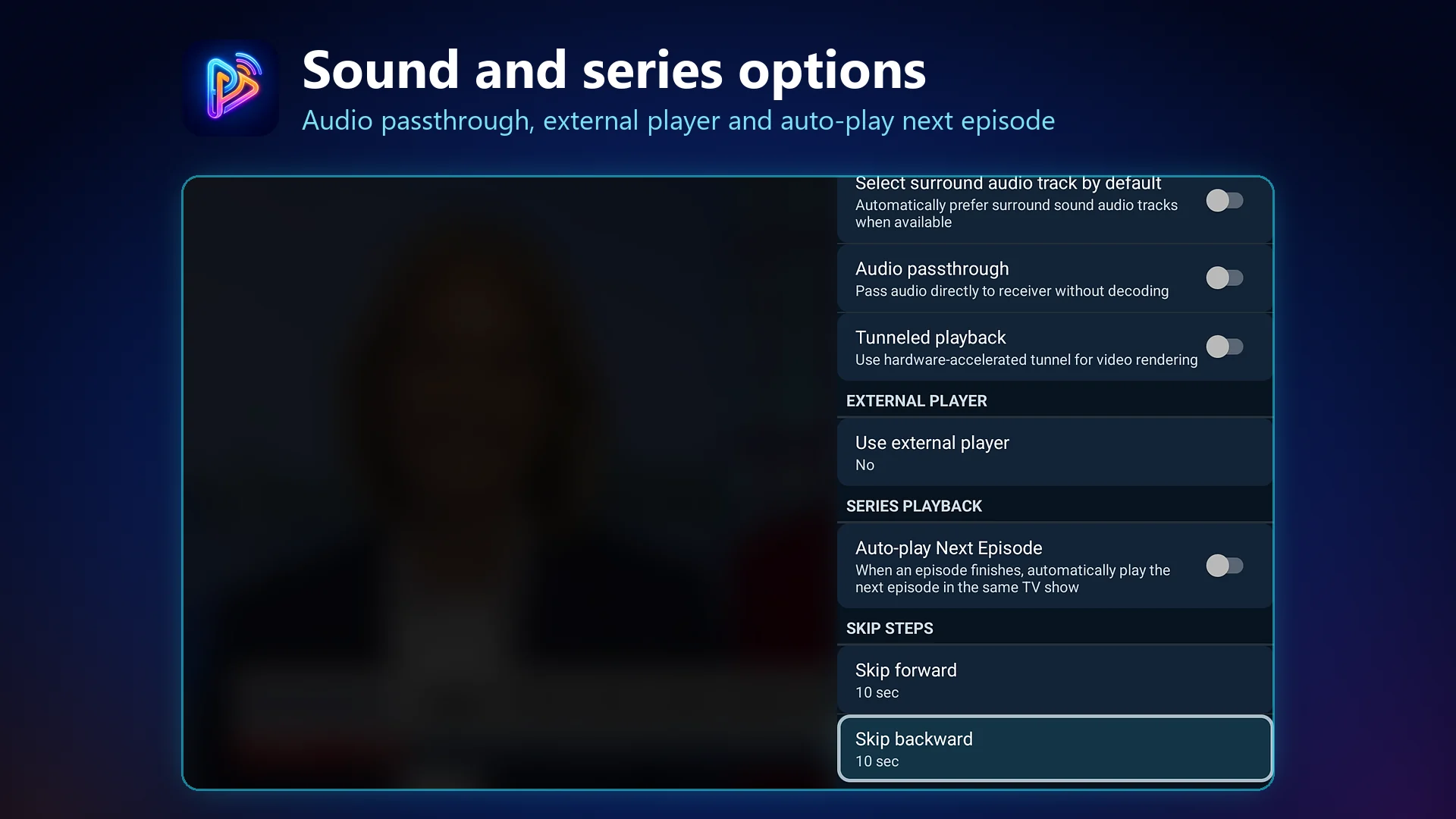
PureFusionIPTV on Android TV: Sound and series options. Audio passthrough, external player and auto-play next episode
Sound and series options
Audio passthrough, external player and auto-play next episode
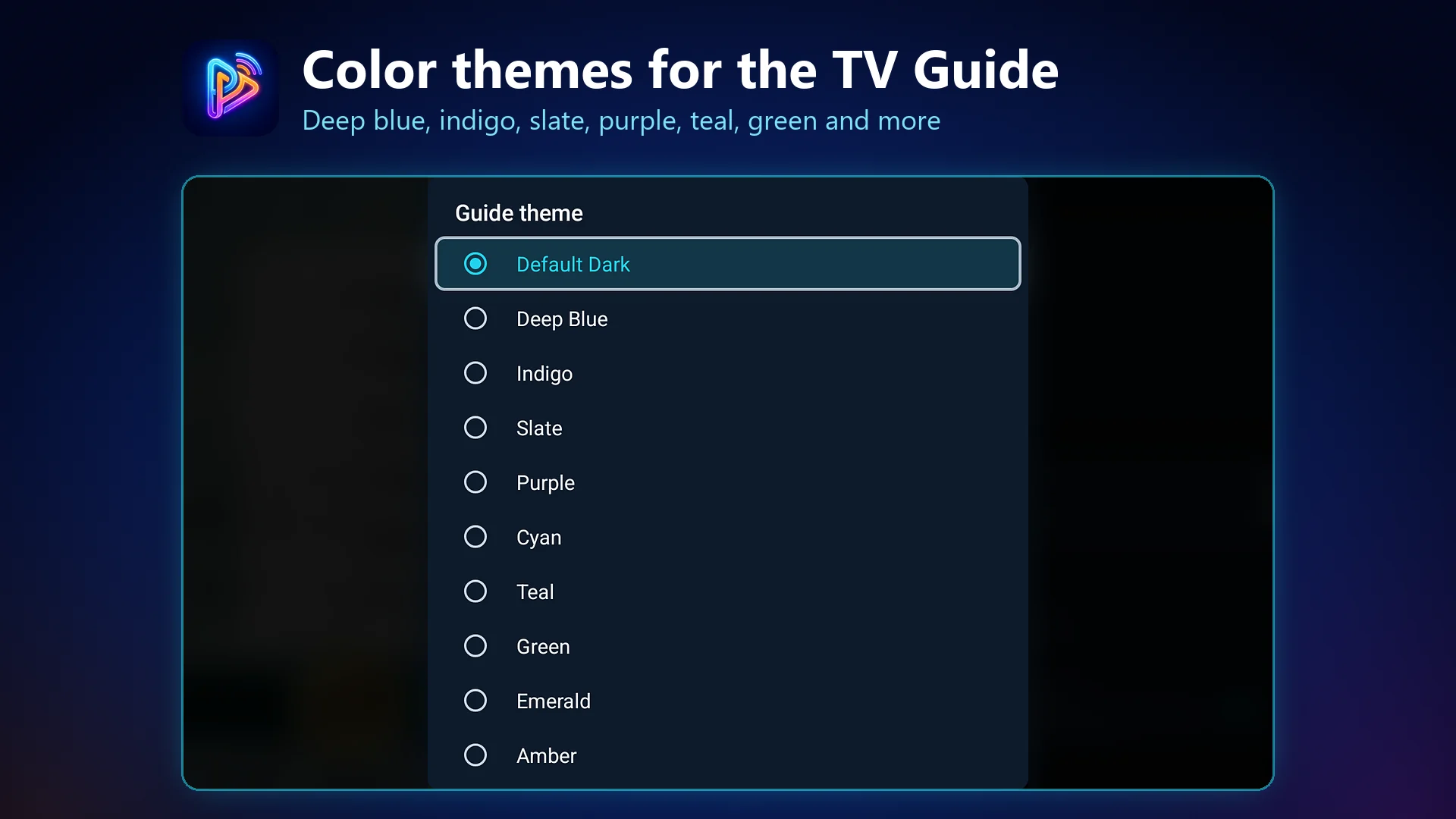
PureFusionIPTV on Android TV: Color themes for the TV Guide. Deep blue, indigo, slate, purple, teal, green and more
Color themes for the TV Guide
Deep blue, indigo, slate, purple, teal, green and more
Phone Companion

Phone Companion Mode Screenshots (5)

Companion-only mobile flows shown on phone form factors.

PureFusionIPTV phone companion: Companion mode splash screen
Companion mode splash screen
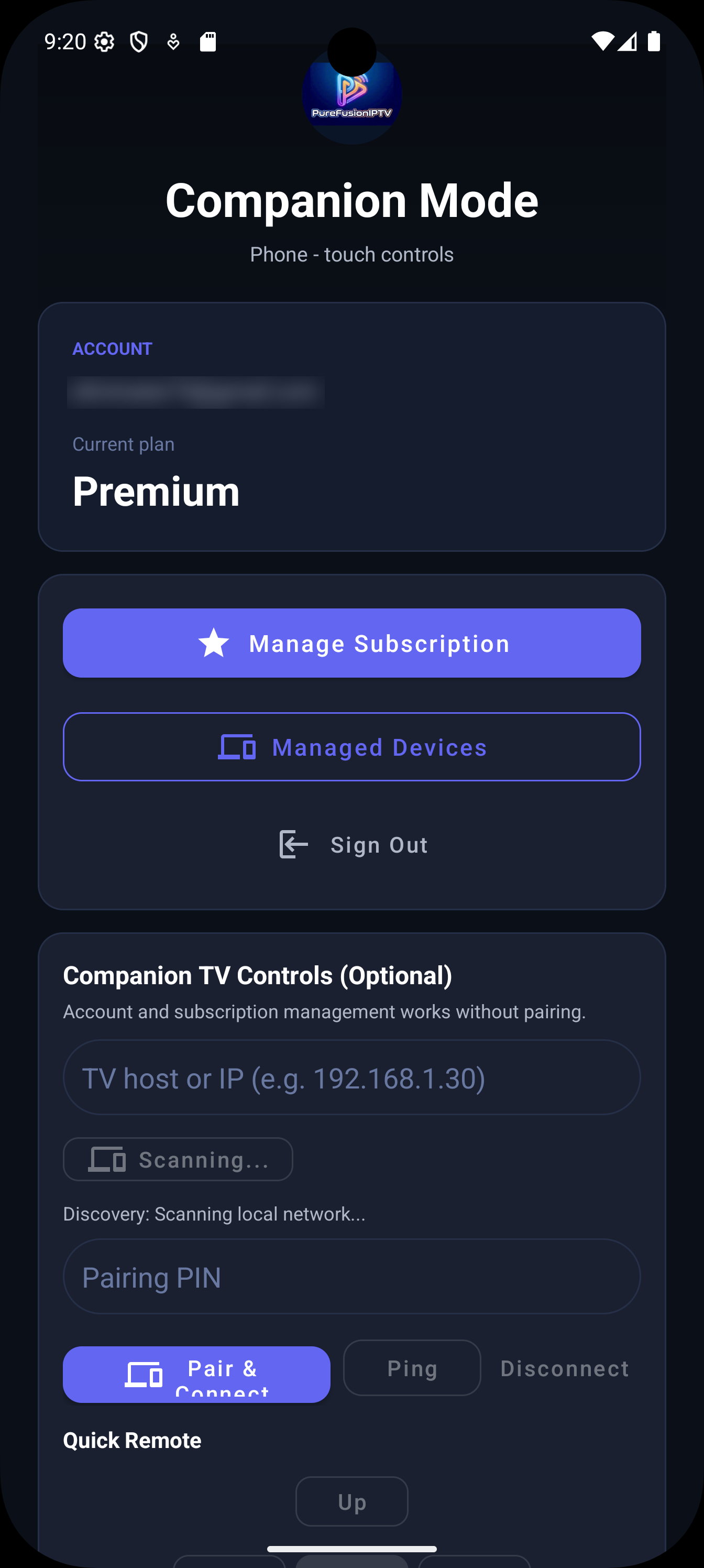
PureFusionIPTV phone companion: Companion mode account and subscription
Companion mode account and subscription
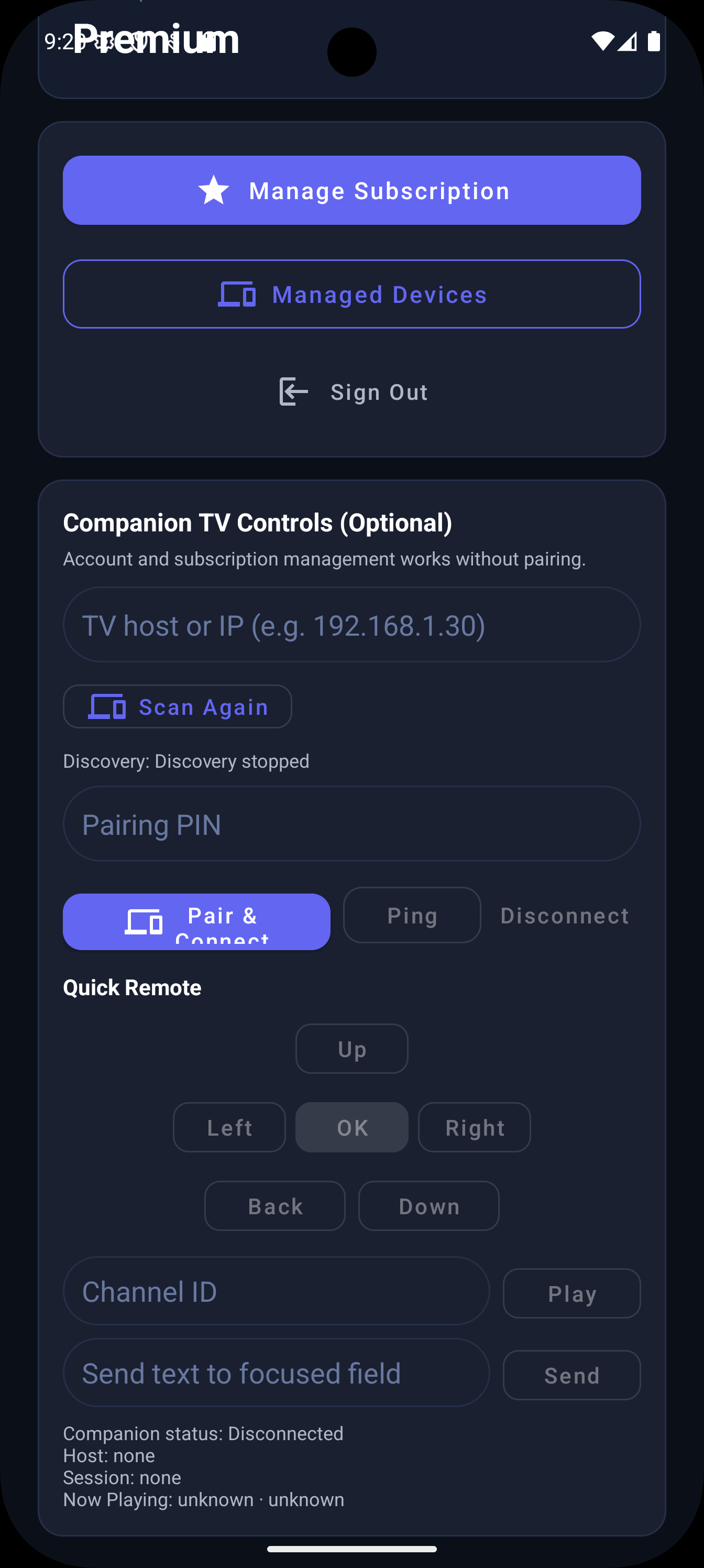
PureFusionIPTV phone companion: Companion TV remote controls
Companion TV remote controls
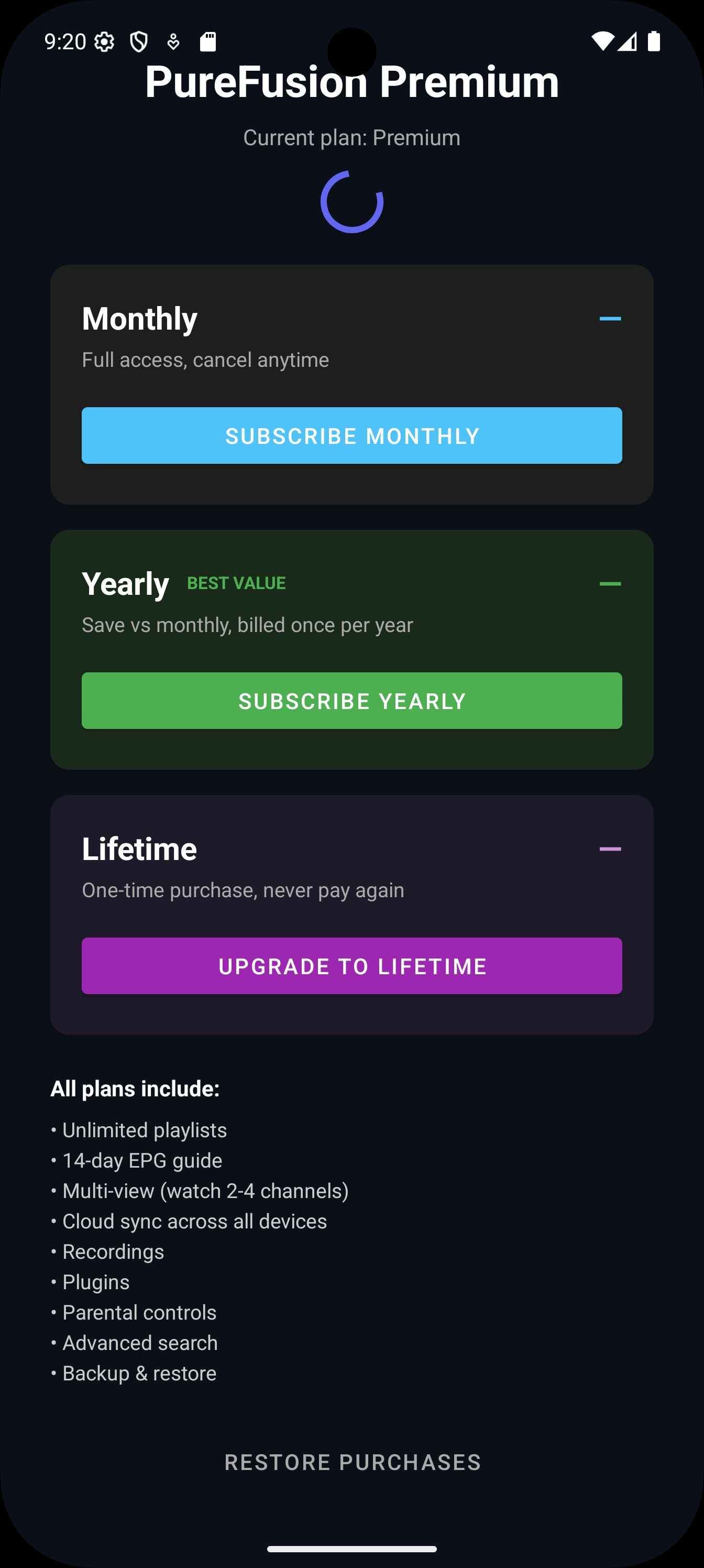
PureFusionIPTV phone companion: Premium plans
Premium plans
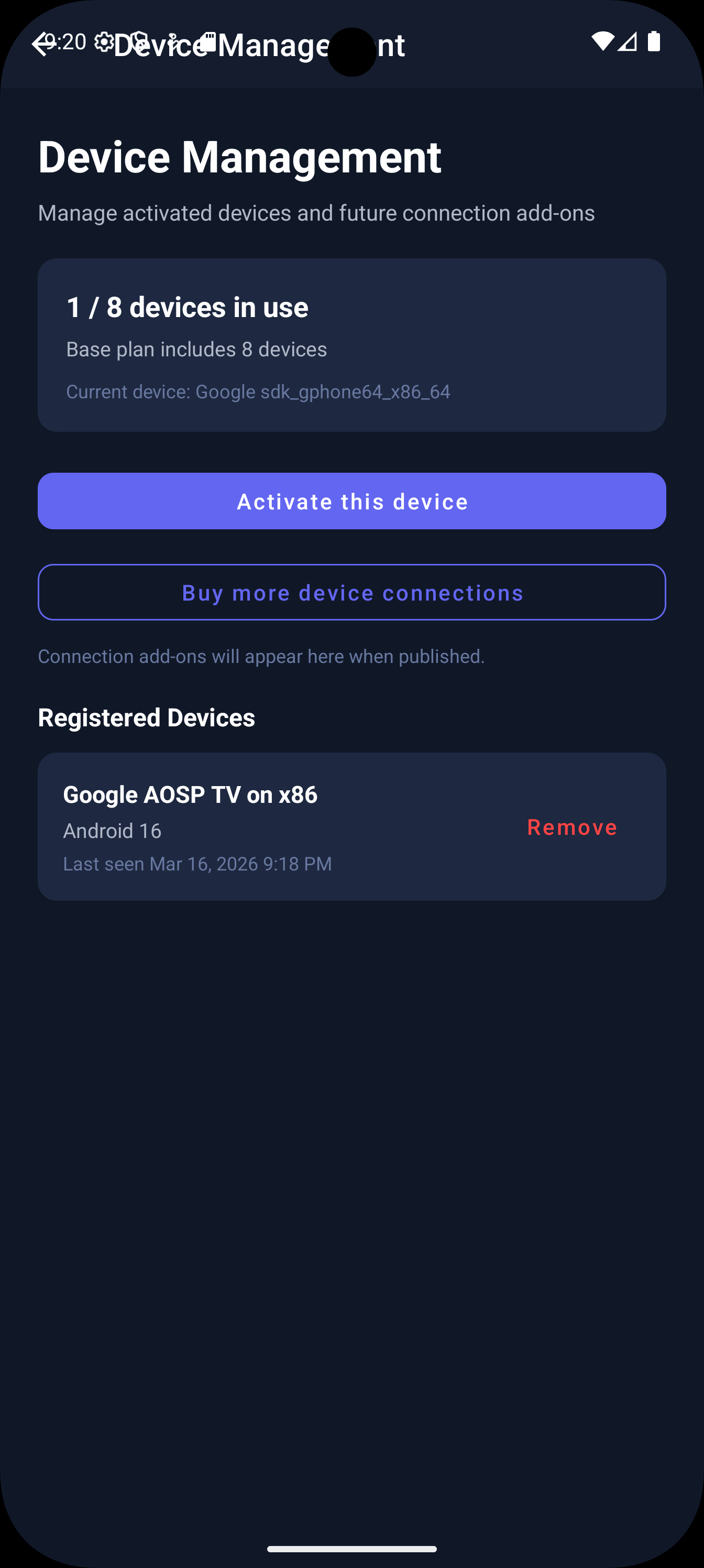
PureFusionIPTV phone companion: Device management
Device management